Support
Install Guides
Step-by-step instructions for installing AROYA hardware in your facility, from the Gateway to every sensor in your rooms.
Already installed?
Browse How-To Guides →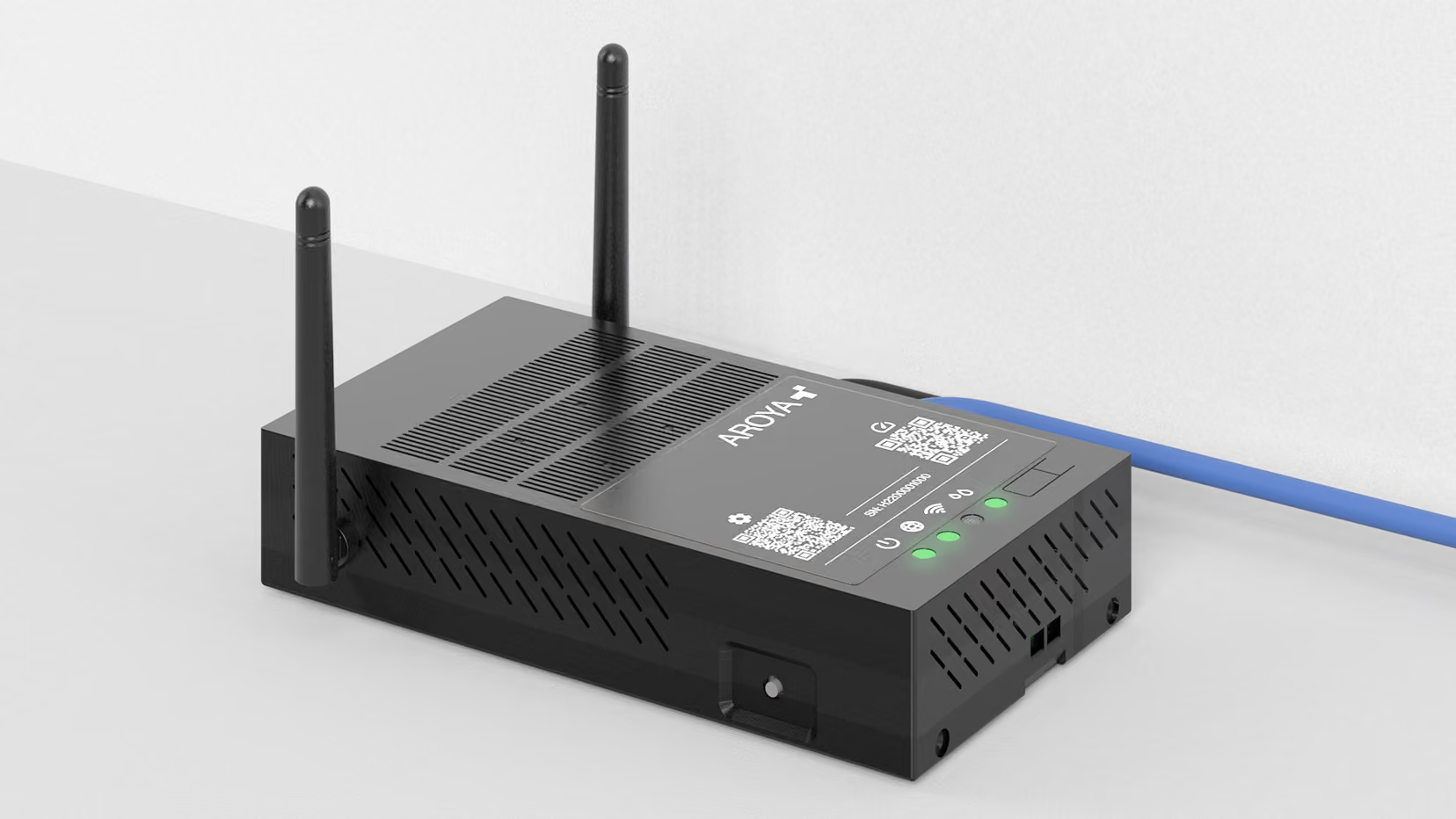
Gateway
Set up the AROYA Gateway in five steps: position it outside the grow room, power it on, connect it to the internet, activate it, and check controllers.

Drip and Drain Station
Install a Drip and Drain Station in eight steps: set up the runoff tray, assemble and connect the cups, place them on the bench, and assign it in AROYA.
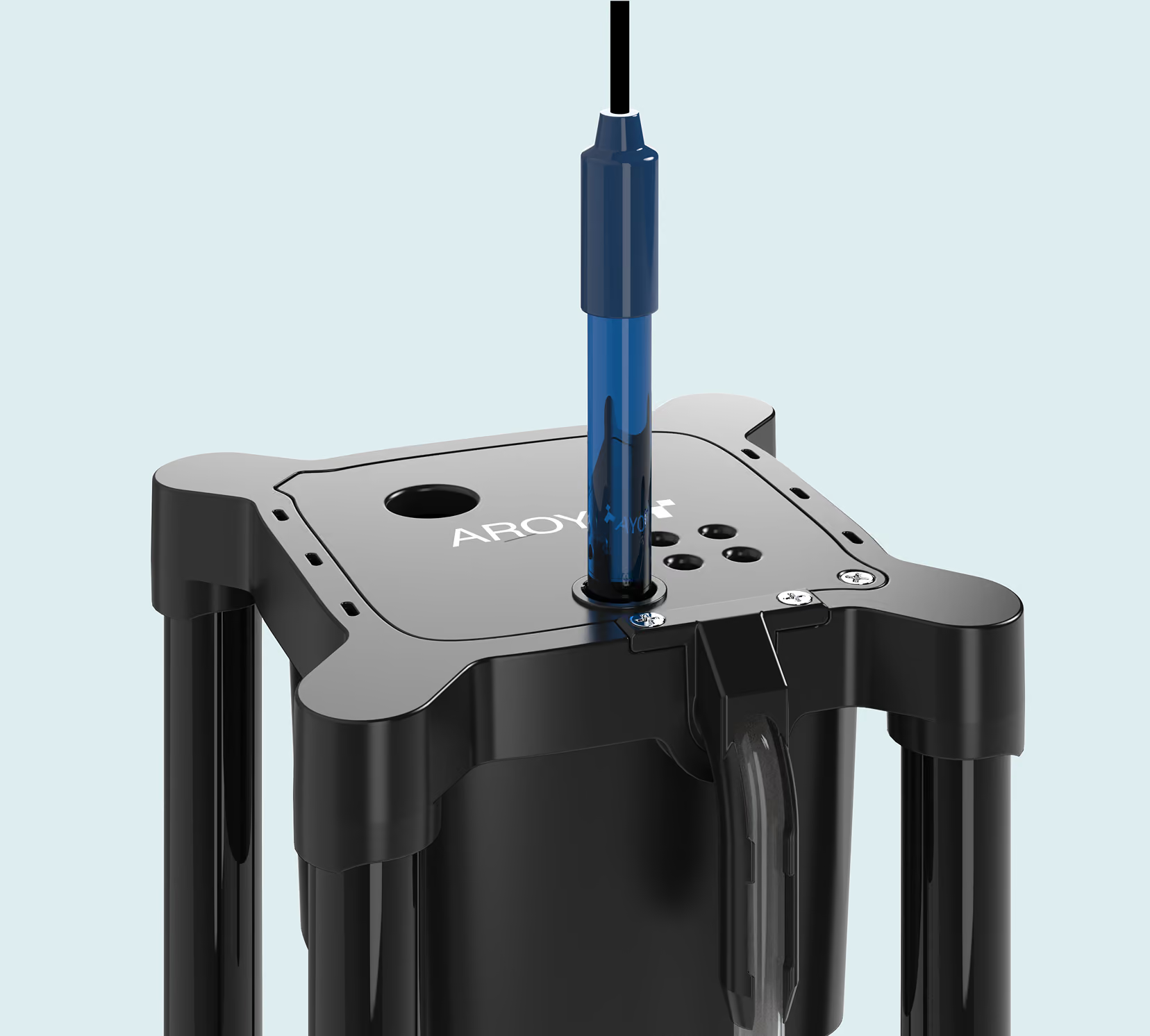
pH Sensor
Install the AROYA pH Sensor in three steps: fit the pH-compatible lid and siphon, place the sensor in the Drip or Drain cup, and assign it in AROYA.
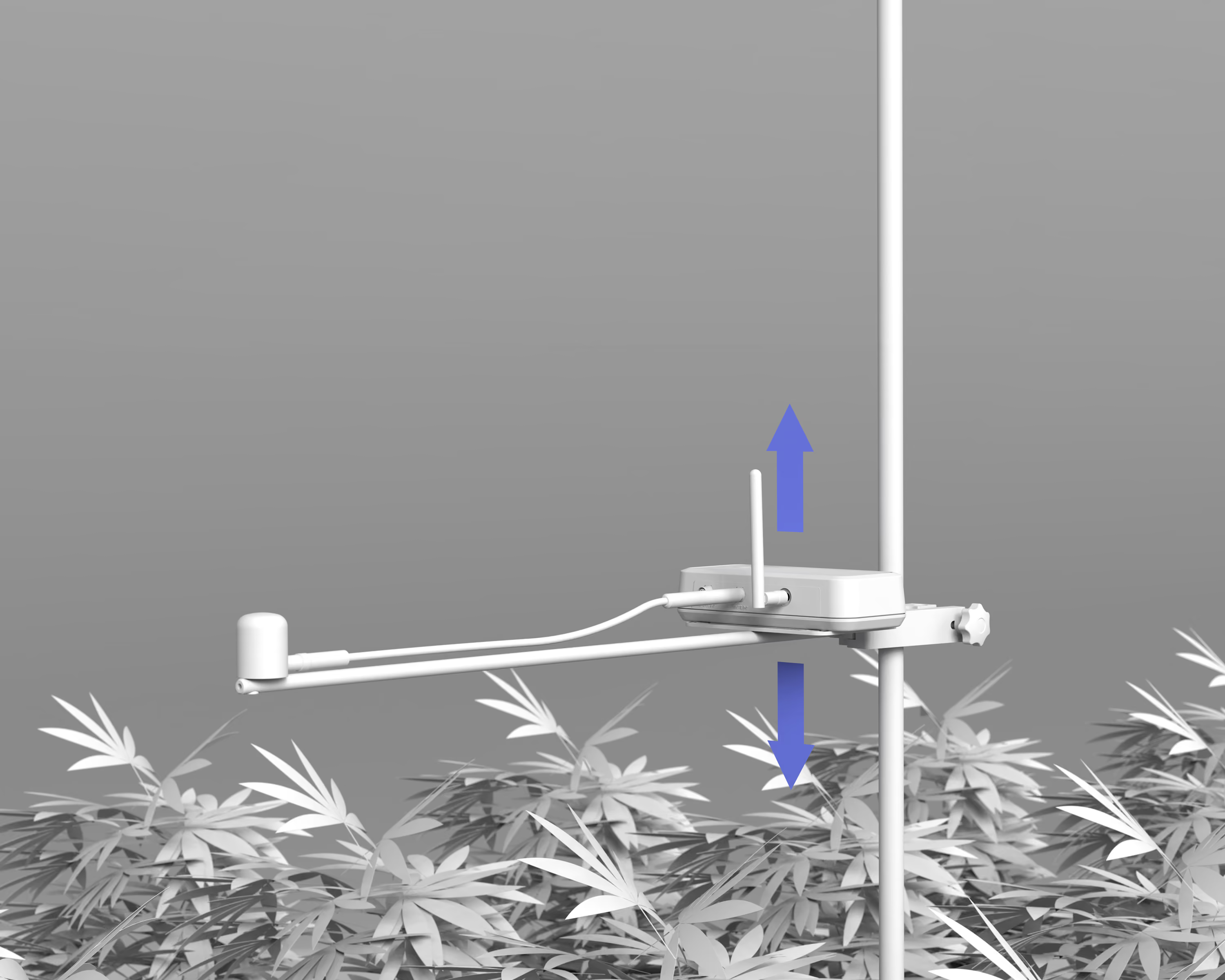
Quantum Sensor
Install the AROYA Quantum Sensor in four steps: remove the cap, turn it on, mount it just above the canopy, and assign it in AROYA.