Support
How-To Guides
Short walkthroughs for setting up and using AROYA, from activating new devices to connecting AROYA to your AI assistant.
Setting up new hardware?
Browse Install Guides →Activate New Devices
Activate new AROYA devices so they are ready to assign and start recording data.
Create & Edit Rooms and Zones
Build your facility layout in AROYA by creating and editing rooms and zones.

Assign & Install Sensors
Assign each sensor to the right room and zone in AROYA, then install it in place.
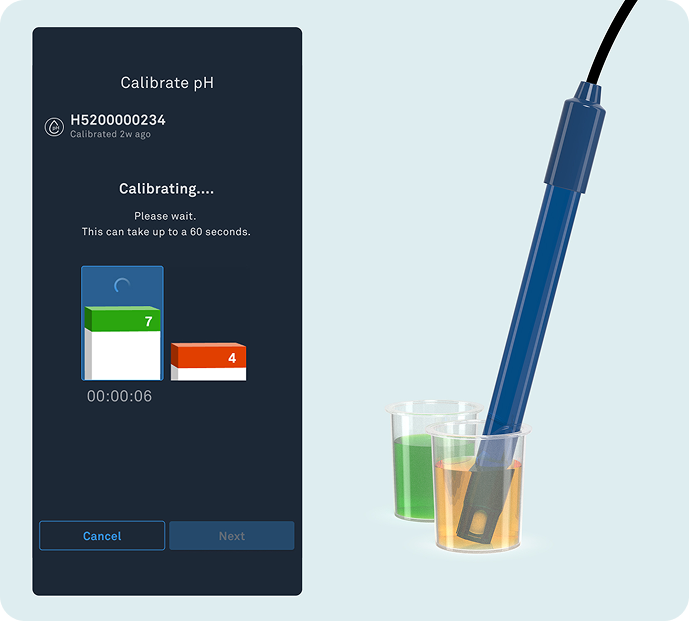
Calibrate pH Sensor
Calibrate the AROYA pH Sensor in the AROYA web app in seven steps, using pH 7 and pH 4 buffer solutions.
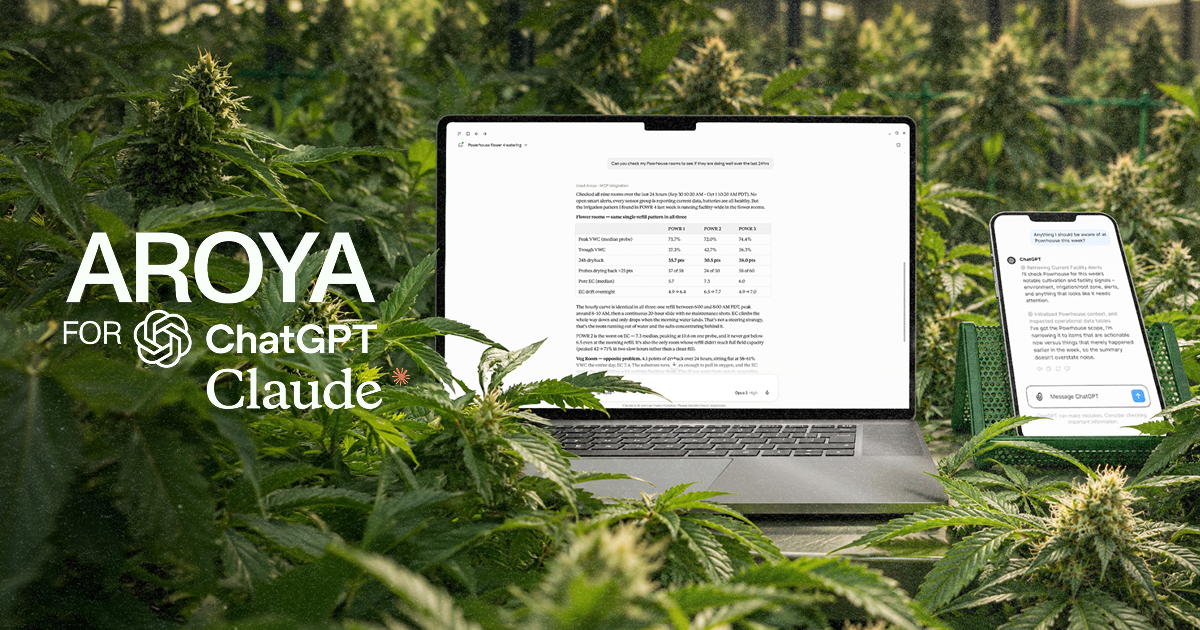
Set Up AROYA MCP
Connect AROYA to Claude or ChatGPT so you can ask questions about your grow in plain language. Facility admins turn on access first.